
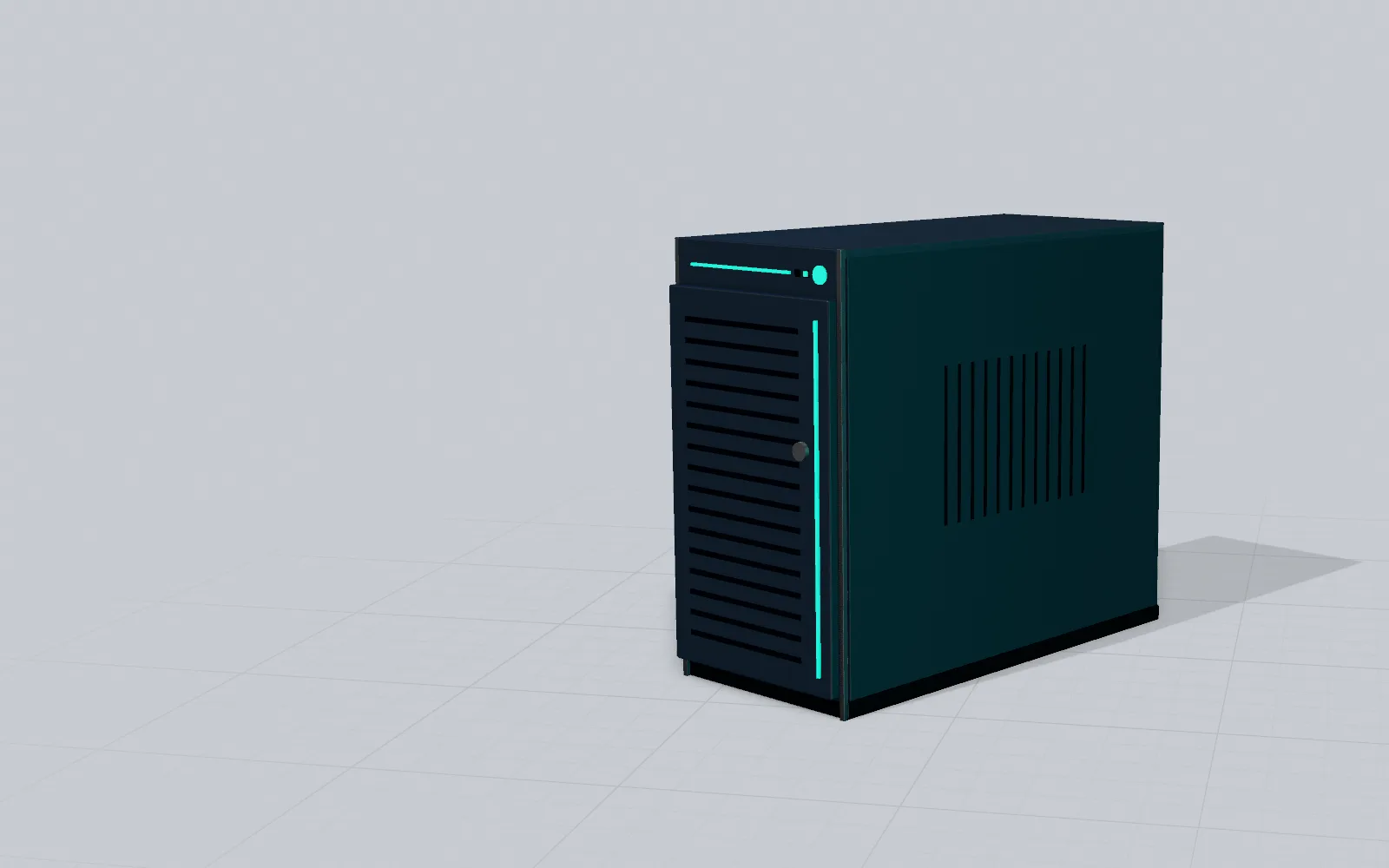

Replacing the office server, one step at a time.
The server, the central computer in your office, holds everyone's files, programs and printers. When it needs replacing, we prepare the new one, move the data across and choose the changeover day with you.
A date to note
What changes for Windows Server 2016.
After that date the server keeps running, but Windows Server 2016 no longer gets free security updates. These are the fixes Microsoft uses to close the holes that viruses can get in through: without them, new holes stay open. Microsoft still sells a few more years of updates, but only with certain licensing agreements.
Since 12 January 2027 Windows Server 2016 no longer gets free security updates. If you still have it, the server works, but new holes stay open: Microsoft still sells a few more years of updates, but only with certain licensing agreements.
… days to go, and the changeover needs preparing: it's worth talking about it now.
If your server is even older, the change is even more urgent. If you don't know which version you have, we'll tell you.
How we work
Four steps, from our premises to your office.
We prepare the new server in our lab.
We set it up in Riazzino, with your programs and your settings, while your office carries on working with the old one.
We choose the changeover day with you.
It's often an evening or a weekend, when the office is closed. We decide together, around your work.
We move files, programs, printers and email.
The data goes from the old server to the new one. Then we connect the office computers to the new server.
At the end of the day we check programs, printers and backups together.
We switch off the old server once the new one is working. If anything goes wrong afterwards, call us: Leonardo or Noah, who installed it, will answer.
A real job
A fiduciary firm, August 2026.
The firm had a server from 2012. We prepared the new one in advance and, on the night of 3 to 4 August, moved the shared folder onto it. On 6 August, with the firm closed for the holidays, we put the new server in its place.
The shared folder, in one night:
- 404,784
- files
- 64,306
- folders
- 383
- GB
- 5:19
- hours and minutes
- 0
- errors
Staff computers stayed connected to the server (in the ‘domain’) without having to be added again; on handover day each PC needed a few small fixes. By the end of the day, accounting, payroll, InfoTime, the printers and the backups were all working.
We don't give the firm's name: our clients' confidentiality comes first.
Questions
What people ask us before we start.
Do I have to change the programs I use?
Usually not: we look at yours before we start. At the fiduciary firm, accounting, payroll and InfoTime were running on the new server on handover day itself.
How much does it cost?
It depends on how much data and how many programs you have: we'll tell you once we've seen your server.
Does the office have to stop?
We set the time together, for when the office can do without the server: for the fiduciary firm we did the handover during the holidays.
My server doesn't run Windows Server 2016. Does this affect me?
If it's older, yes, and it's best not to wait. If it's newer, it's worth knowing how long it will still be supported: tell us and we'll check.