091 220 06 29Call Write to us Menu

Services

What we do for your office and your workshop.

We work for professional offices, workshops and small businesses in Ticino and Italian-speaking Grisons. For each service you’ll find the problem we start from, what we do and, where there is one, a real job.

1 of 3

In the office

Computers, email, file backups, the network and the server, that is, the office’s central computer: the things that simply have to work in the morning.

Support: when something gets stuck

The problem

The computer won’t switch on, the printer isn’t responding, an email is stuck in the outbox. Meanwhile, the work waits.

What we do

Call 091 220 06 29 and Leonardo or Noah answers. We often fix things remotely, on your screen, with a program we install on your computers. If remote help isn’t enough, we come to you, in Ticino and Italian-speaking Grisons.

Report a fault

Changing your server and email

The problem

The office server is getting on in years. Or your email has to move from one provider to another. It keeps being put off, because the office can’t stop working.

What we do

We set up the new server in advance and move the data onto it while you are still working on the old one. We agree the changeover day with you, and before we leave we check together that every computer finds its files, programs and printers again.

If your server runs Windows Server 2016: Microsoft support ends on 12 January 2027. What it means for you

A real jobAugust 2026: an accounting firm went on holiday and we replaced their 2012 server. 404,784 files moved, 0 lost. Read the whole story

How a server change works, step by step

Backups

The problem

A disk fails, a file is deleted by mistake, a virus locks everything and demands a ransom. Without a copy, those files are gone.

What we do

Every night the office files are copied automatically. A second copy is kept away from the office: at another of your sites or with a provider in Switzerland. When needed, we restore a single file, a folder or the whole server from the copy.

Ask us about your backups

Network and Wi-Fi

The problem

In many offices everything is on the same network: the computers, the machines and the Wi-Fi you give to waiting customers. If a virus gets in through one computer, it can reach everything.

What we do

We split the network into separate parts, for example one for the office, one for production and one for guests, and put a firewall at the entrance: the network’s armoured door. Anyone working from home in the evening comes in through a protected connection. We install the computers’ security updates ourselves, at times agreed with you. If an incident happens, we isolate the affected computers, find out what happened and get things running again.

A real jobAt a machine shop in Ticino that we look after, the network is split in three: production, office and guests. From the guest Wi-Fi, production can’t be seen.

Ask us how your network is set up

Servers and firewalls: we choose them and install them

The problem

When you need a new server or firewall, the models all look the same, and after the purchase someone still has to set them up.

What we do

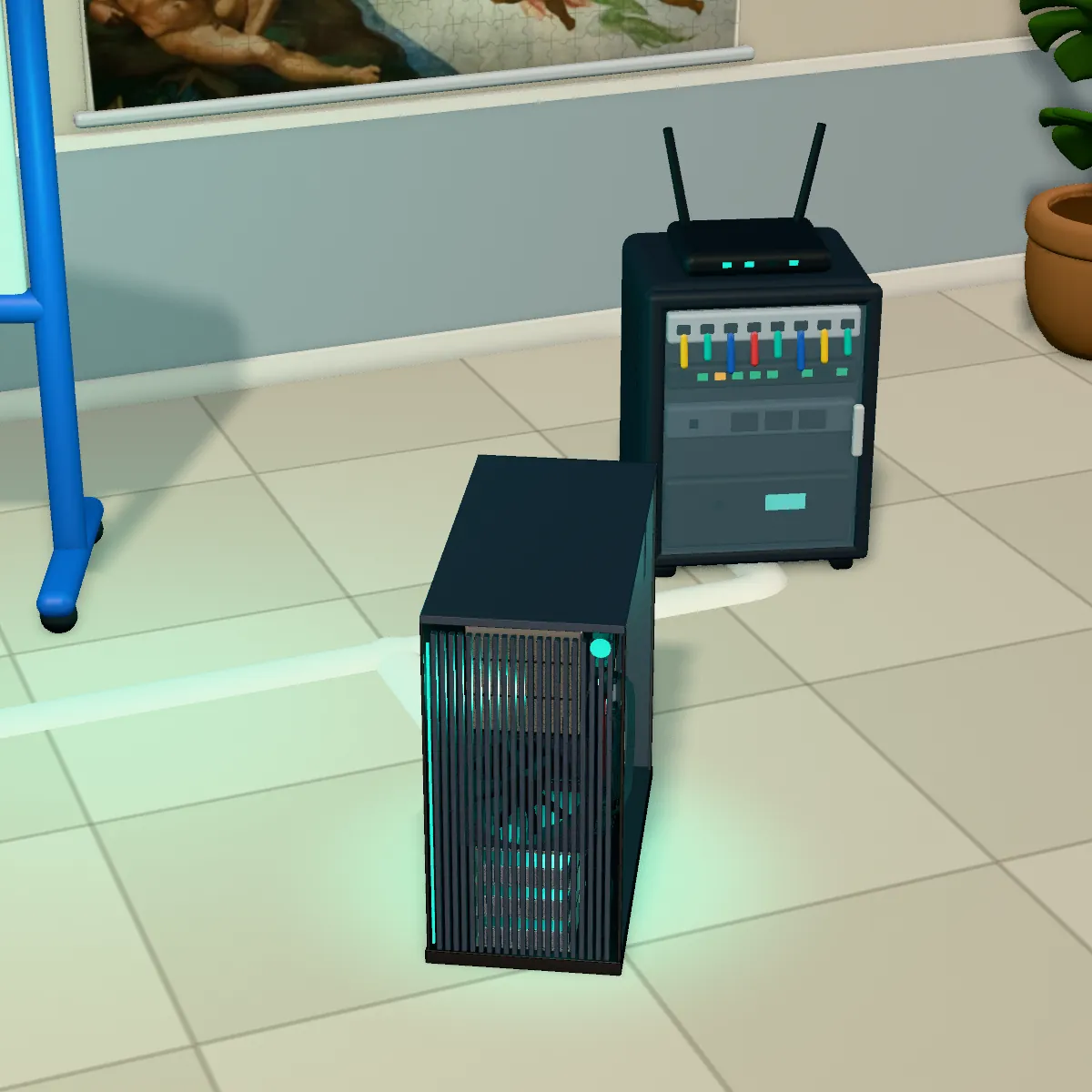
We recommend what your business really needs, without features you won’t use. We prepare everything in our lab in Riazzino and then install it at your premises. We work with brands we know well, such as Dell, Sophos and QNAP.

Ask us what you need

2 of 3

Our software

Software we write and look after ourselves, automation between the programs you already have, and an assistant that works inside your office.

InfoTime, the invoicing software

The problem

Invoices, customers, quotes and stock are spread across different spreadsheets and programs that don’t talk to each other.

What we do

With InfoTime you issue invoices with a QR code for payment, and keep customers, quotes and stock in the same program. We write it and look after it ourselves: for a missing feature or a question, you talk directly to the people who write it.

A real jobThe accounting firm whose server we replaced uses it too. Read the whole story

What InfoTime looks like

Custom software

The problem

There’s a job someone does by hand every week, always the same: copying data from one place to another, preparing the same emails, rechecking the same deadlines. Often in the evening, at home.

What we do

We write a program that does it for you and install it on your computers. We build it from the way you do that job by hand today, and test it with you before installing it.

A real jobFor the same machine shop, the one with the split network, we wrote the program that drafts a follow-up email when a customer doesn’t reply to a quote. Then someone at the workshop rereads it and sends it.

Tell us about that job

Automation: your programs pass data to each other on their own

The problem

Every day someone moves the same data by hand from one program to another: the order that came in by email into the business software, the attachment into the right folder, the same summary every Monday.

What we do

We connect the programs you already use, so those steps happen on their own: when an email, an order or a file arrives, or at a set time. Before switching the automations on, we test them with you; if a step fails, a person sees it. When a program you need doesn’t exist, we write it.

Tell us what data you move by hand

Artificial intelligence in the office

The problem

Supplier invoices arrive as PDFs or on paper, and someone types their details into the software, one by one.

What we do

If you want, we set up an assistant that runs on your office server. It can read supplier invoices and enter their details in your software; a person always checks them first. The documents don’t leave the company.

Ask us whether it suits you

3 of 3

In the workshop

CNC machines connected to the network and, where the control has a network port, our software for seeing from the office how they are doing.

Networked CNC machines

The problem

Programs reach the machines on a USB stick, and to know whether a machine is working you have to go and look.

What we do

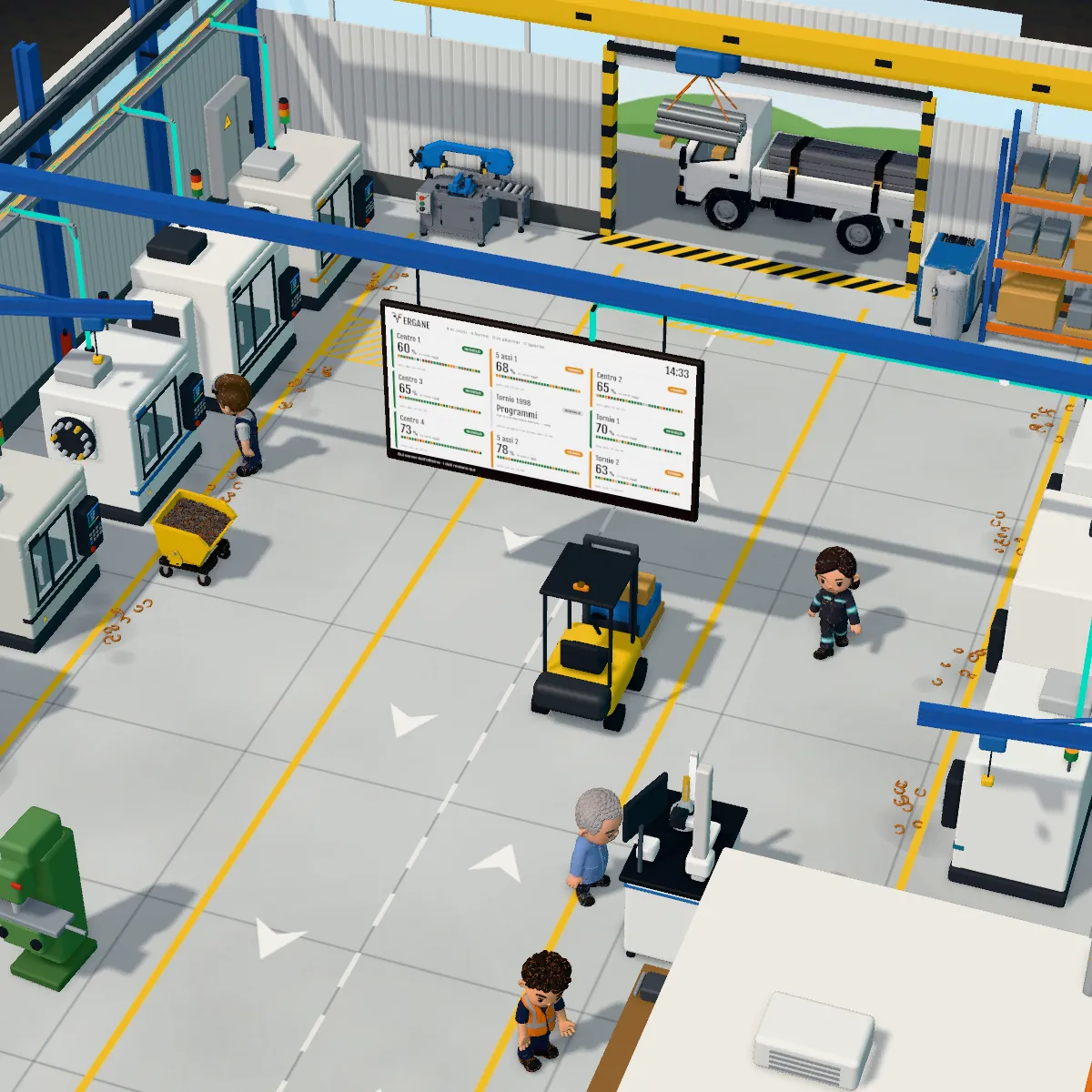
We connect the machines to the network: programs go from the computer to the machine, without USB sticks. On older machines that only have a serial port, we fit the converter ourselves. Where the control has a network port, ERGANE, our software, shows you from the office which machines are running and which are stopped. It reads the machines and doesn’t control them.

A real jobIn that same workshop: 6 machines connected, from a 1998 control to a 5-axis machine.

Machines on the networkERGANE

How to get started

Three steps, starting with a phone call or an email.

  1. You call or write to usTell us what’s wrong, or what you’d like to work better.
  2. We come and take a lookWe look at what you have in the office and the workshop and tell you what we would change, and when.
  3. We take care of itWe do the work and then we stay: when you call, we already know how your business is set up.

See our work